Connecting the Testo 770-3 to the Smart Probes App
June 28, 2018
Bryan shows how to connect the Testo 770-3 to the Smart Probes App.
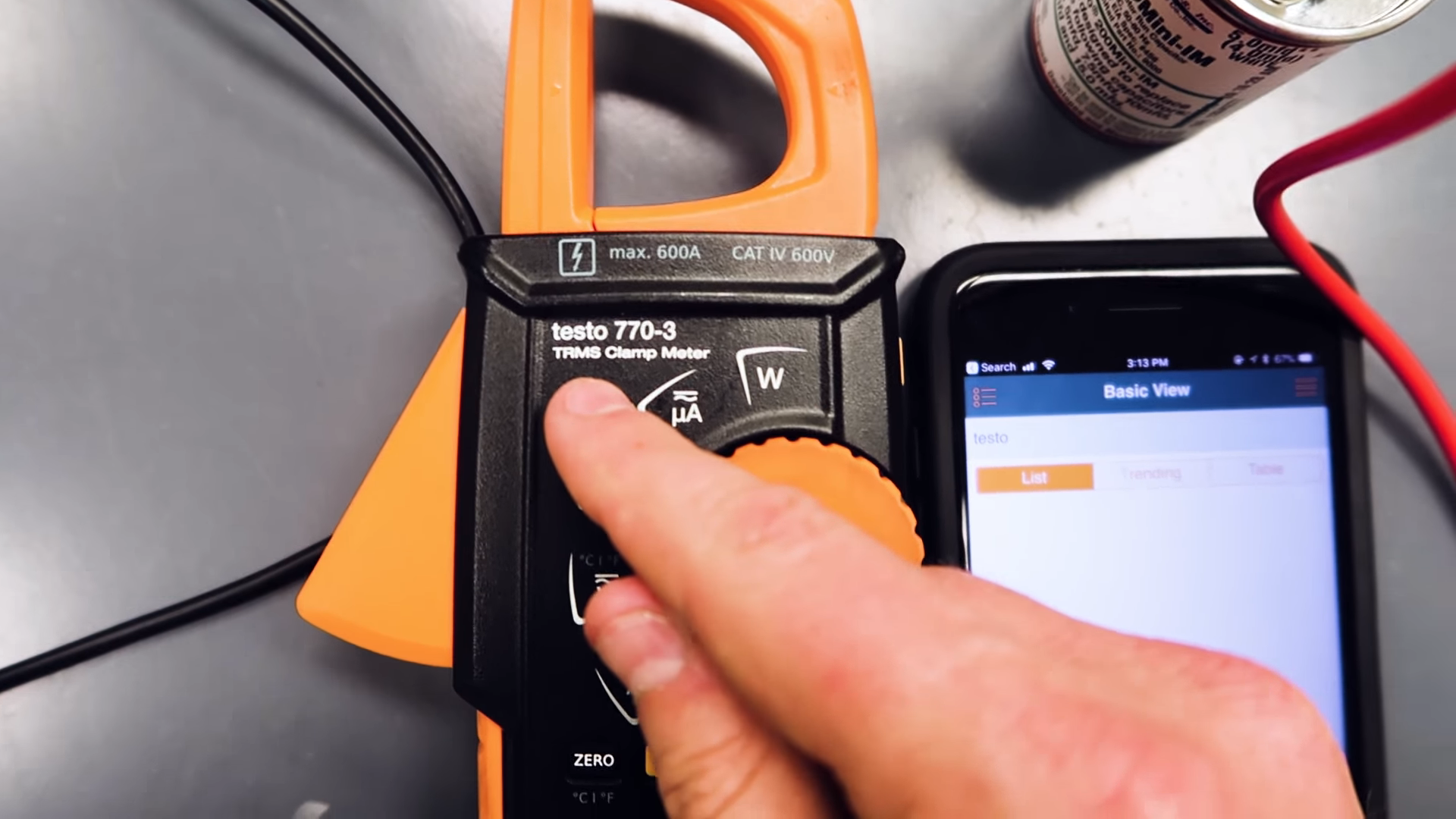



The Testo 770-3 connects to the Smart Probes App by holding down the Bluetooth/backlight button on the meter. Then, you rotate the dial until you reach any of the readings (amperage is the closest one). It should then connect to your device automatically (as long as your device has Bluetooth on, of course).














Comments
To leave a comment, you need to log in.
Log In