
BACK

NAVAC SK4TPHM1 Smart Probe Kit: System Performance Profile Setup

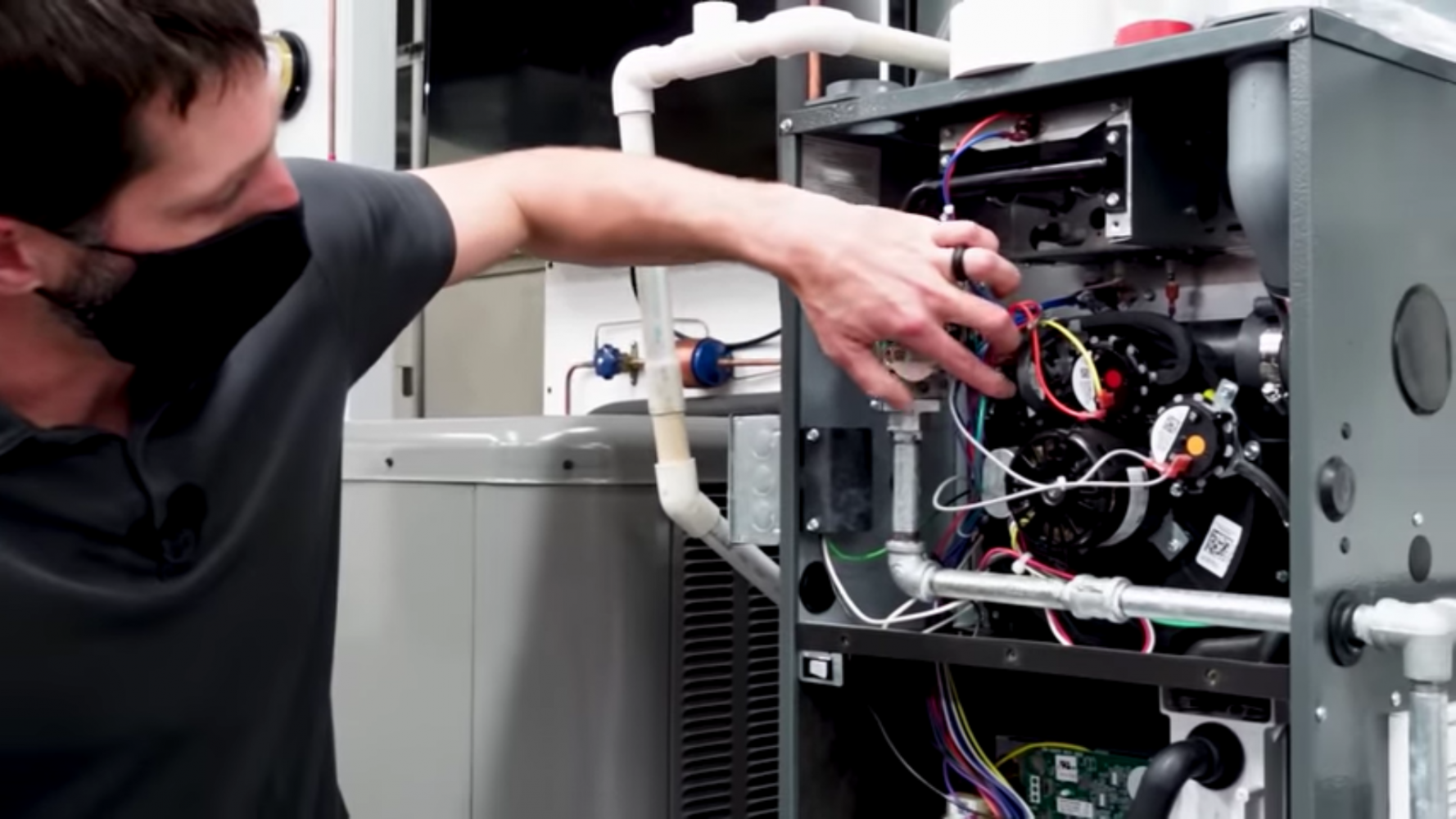
Getting an accurate System Performance Profile starts long before you check any live data — it starts with proper probe placement. In this clip, narrated by Roman Baugh, he and Adriel break down the setup mistakes that quietly wreck your readings when using the NAVAC SK4TPHM1 Smart Probe Kit, from oxidation and rust interfering with pipe contact to air leaks around duct grommets throwing off your humidity measurements.

Topics covered:

  • Sanding off oxidation, paint, and rust before clamping your temperature probes for solid pipe contact
  • Why five degrees of superheat versus twenty degrees comes down to proper sensor location and contact
  • Sealing test holes tightly around the probe stem to stop air leaks from skewing humidity readings
  • Avoiding contamination from attic air, crawlspace air, or air outside the building envelope during setup
  • How small setup errors can shift your wet bulb temperature and target superheat calculations by several degrees


Getting your Smart Probe Kit dialed in correctly on the front end is what makes the rest of your System Performance Profile trustworthy. Skip these steps, and you’re just guessing with expensive equipment.

Comments

Most popular videos

view all
loading

To continue you need to agree to our terms.

The HVAC School site, podcast and tech tips
made possible by generous support from